Manage teachers
Keep teacher details together and organise who works with each classroom.
 TinyNinzaFind a game
FOR SCHOOLS · GRADES 1–5
Bring game-based practice in maths, English and thinking skills into Grades 1–5. Organise teachers and classrooms, choose from 52 games and follow assignment activity. Teacher assignments are free.
A FEW CLASSROOM STARTING POINTS
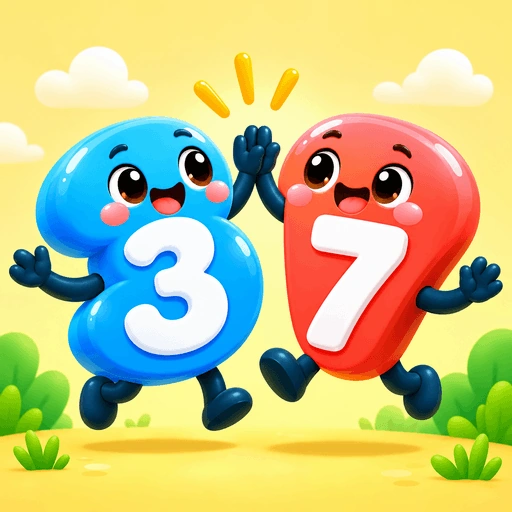 Number bondsMake 10
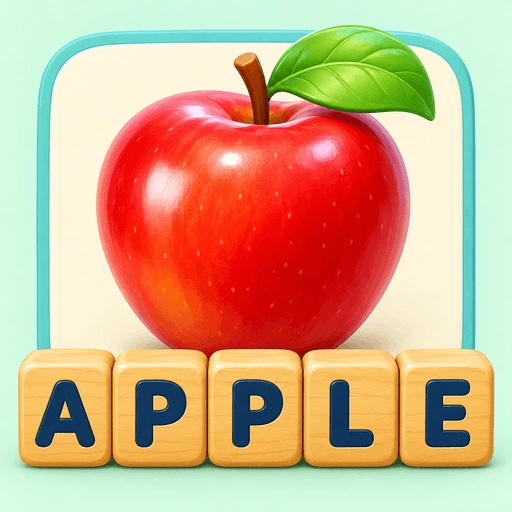 SpellingPicture Spell
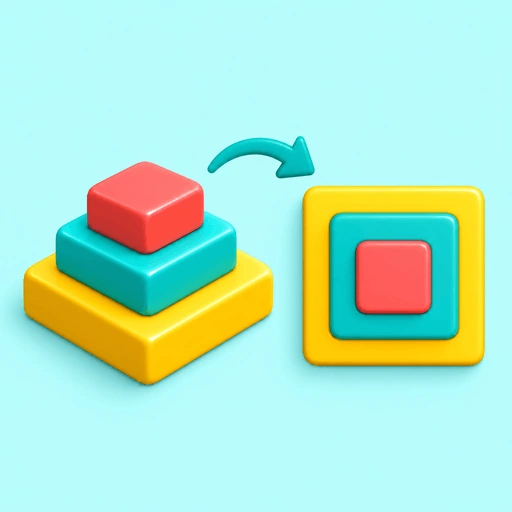 Spatial reasoningPyramids
52 games · Grades 1–5 · Free teacher assignments
TOOLS FOR YOUR SCHOOL
The school dashboard connects the people organising learning with the game assignments students receive in TinyNinza.
Keep teacher details together and organise who works with each classroom.
Review your classes and their student rosters. Give teachers a classroom context for the work they assign.
Use the school student directory to find learner profiles and their classroom connections.
Explore school summaries, classroom comparisons and assignment delivery and completion reports.
Review classroom assignment activity to plan a follow-up with your teachers.
A LIBRARY YOUR TEACHERS CAN EXPLORE
Teachers choose games connected to their lessons. Each game guide explains the task, grade range and skills children practise.
Number bonds, arithmetic, money, fractions, measurement and data handling.
Explore mathsPicture clues, spelling, vocabulary, sentence completion and word relationships.
Explore EnglishPatterns, spatial puzzles, comparisons and finding the rule or exception.
Explore reasoningVisual matching, remembering pictures, tracking tiles and noticing changes.
Explore these gamesCONNECT GAMES TO YOUR CLASSROOM TOPICS
Use a game to give students another way to practise the concept and explain their thinking.
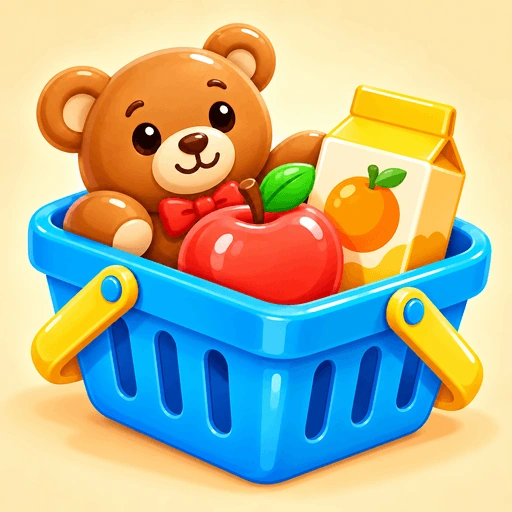
MONEY & ADDITION · Grades 1–5
Choose shop items whose prices add up to the target amount.
“How did you decide what to buy?”
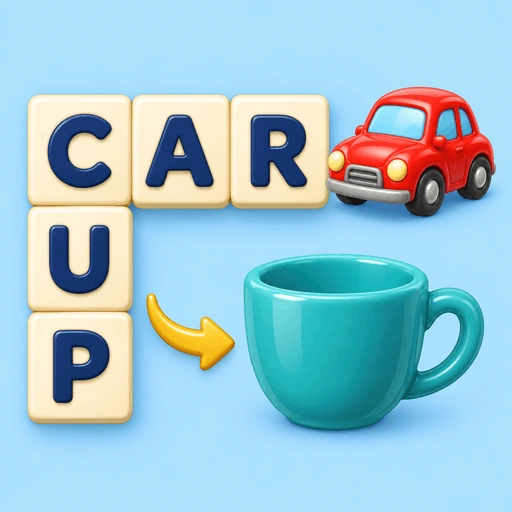
SPELLING & PICTURE CLUES · Grades 1–5
Use picture clues to spell words across and down a crossword grid.
“Which clue helped you find the word?”
SPATIAL REASONING · Grades 1–5
Compare a coloured stack with four possible views from above.
“How did you work out which view matches?”
A SIMPLE CLASSROOM WORKFLOW
Introduce the game with a topic the class is already practising.
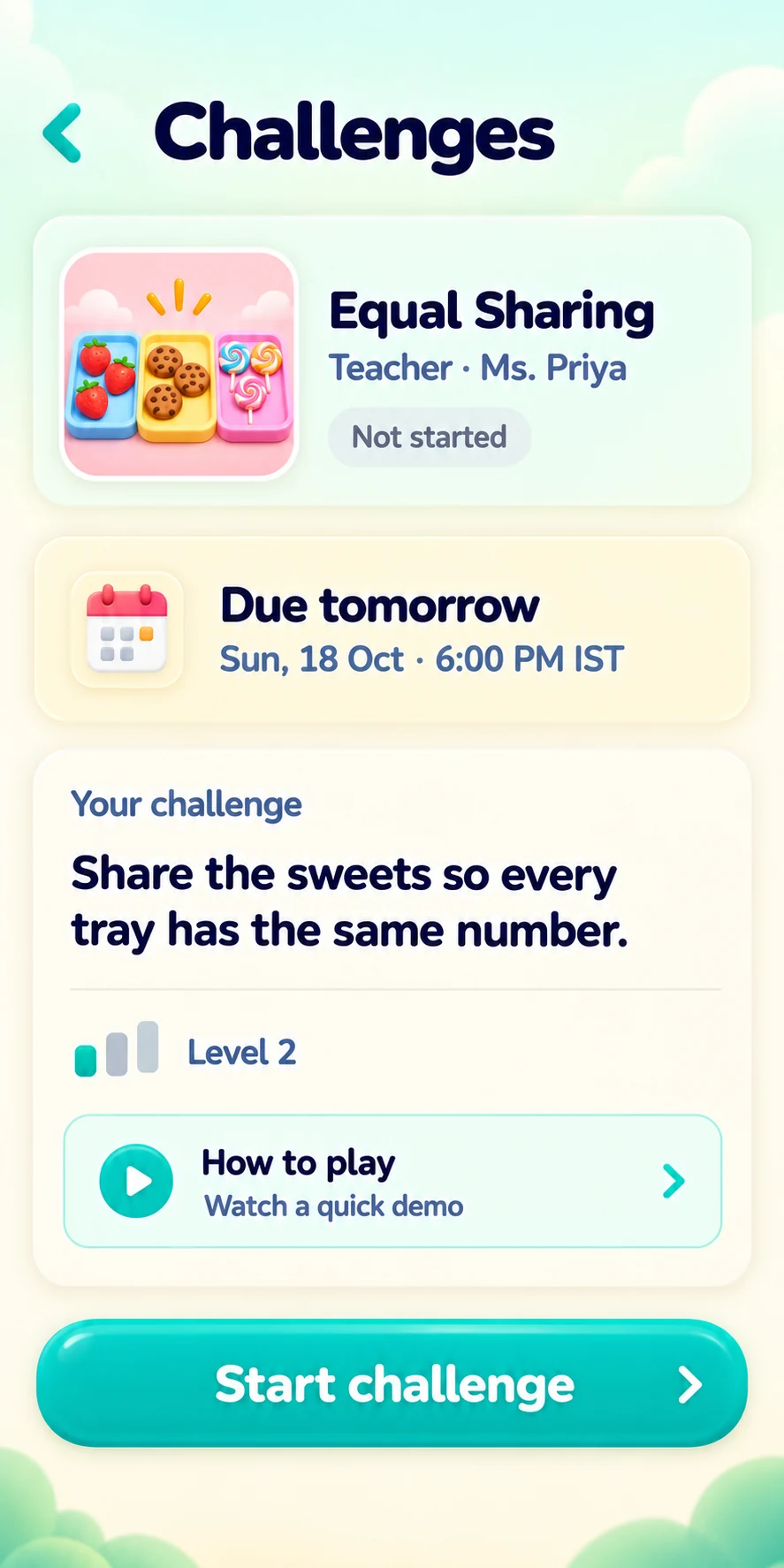
Choose the game and give students a practice challenge. Teacher-created assignments are free.
Ask students to show how they played and explain the choices they made.
A CONNECTION WITH HOME
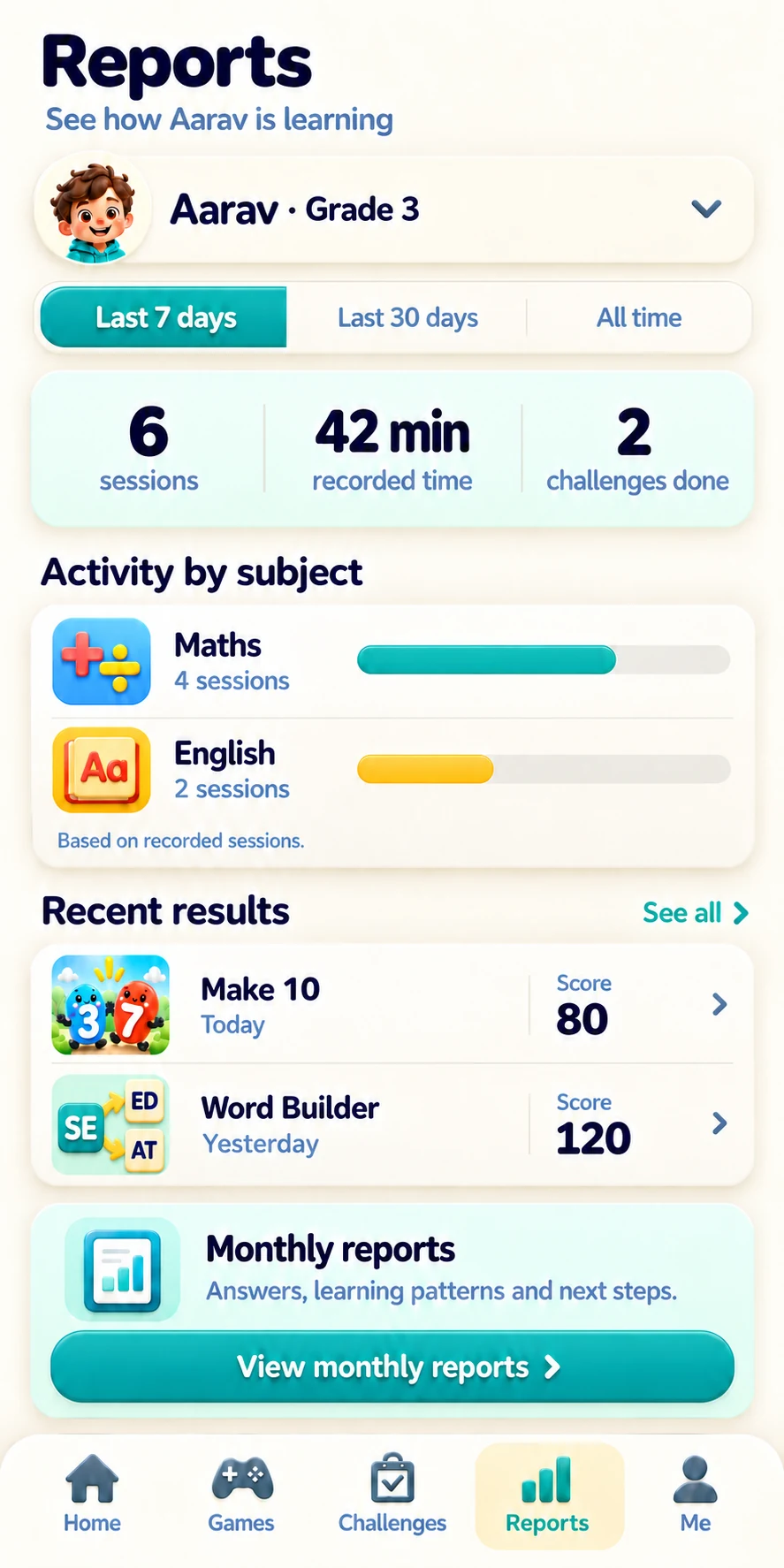
A game introduced at school can become something children demonstrate at home. Parent reports show recorded subject activity, play time and game scores.
“Show me the shopping game.”
“How did you work that out?”
“Can you find another way?”
A SUGGESTED FIRST STEP
Let teachers evaluate how a game fits their practice before planning a wider introduction.
Pick something the class is already practising.
Try the game and decide how it connects to the lesson.
Demonstrate the game and set a practice assignment.
Ask what worked, what was unclear and what teachers would try next.
Does this game give us a useful way to practise and discuss this topic?
TWO WAYS TO GET STARTED
Anonymous website practice does not save to a TinyNinza app account.
Browse learning gamesParents and students use the app. Teacher and school tools use their own dashboards.
PRACTICAL QUESTIONS
The library is designed for Grades 1–5. Individual games have specific grade ranges and skills listed in their guides.
Yes. Teachers can create game assignments for free, and students can complete teacher-assigned challenges without a payment.
Teachers choose games connected to the topic they want students to practise. They can explore the game and guide before assigning it.
The school dashboard includes teacher, classroom and student directories, alongside school summaries, classroom comparisons and reports on assignment delivery and completion.
Available single-player games without signing in. Anonymous website practice does not save to a TinyNinza app account.
Parents can follow activity and monthly reports, set challenges and choose game settings for each linked child.
A focused first experience can involve one class, one topic and one game. Gather teacher feedback before deciding how to use it more widely.
Explore games across maths, English, reasoning, memory and attention.