Make 10
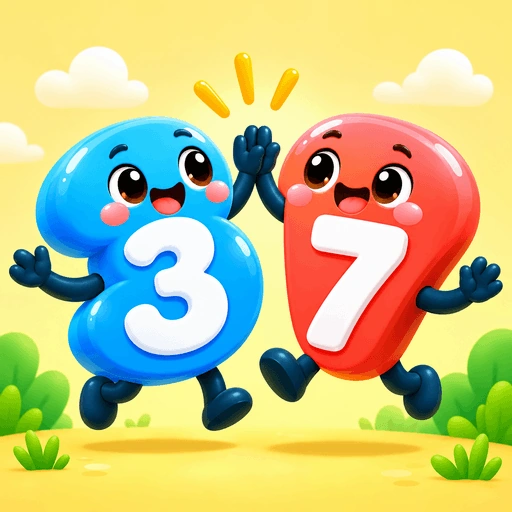
Practise number bonds and addition by finding two numbers that make 10 across ten rounds.
Try this game TinyNinzaFind a game
FOR HOME, CLASSROOMS & TUITION
TinyNinza is a game-based learning platform with 52 games in maths, English, reasoning, memory and attention.
Teachers assign games for free. Parents set challenges and see their child’s activity in the app.
No account needed for website practice.
TRY GAME-BASED LEARNING
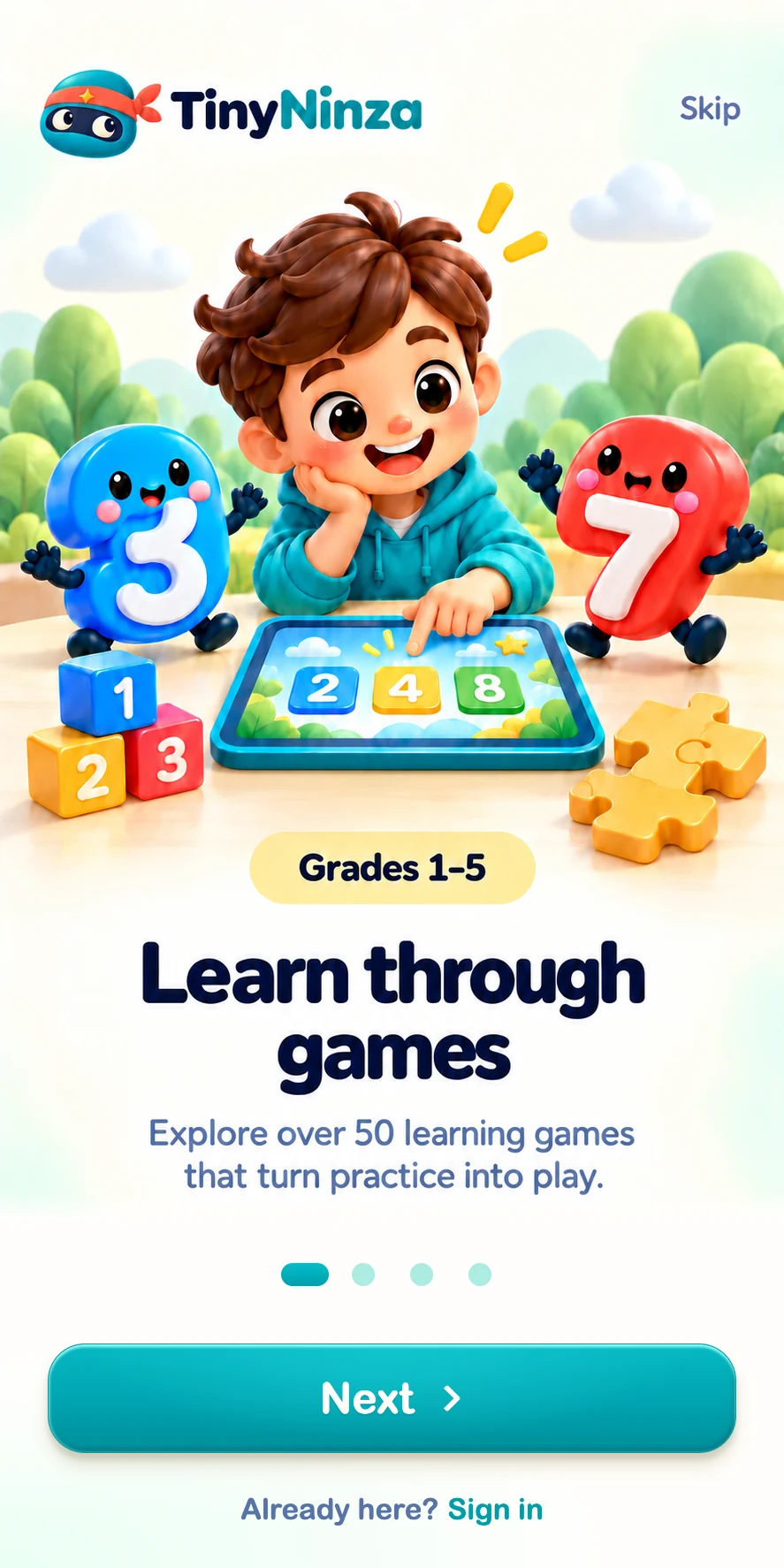
Make ten, complete a sentence or find a matching pair. See what children practise through play.
Practise number bonds and addition by finding two numbers that make 10 across ten rounds.
Try this game

Website games are single-player practice. App progress is kept separately.
CHALLENGES, REPORTS & MULTIPLAYER IN THE APP
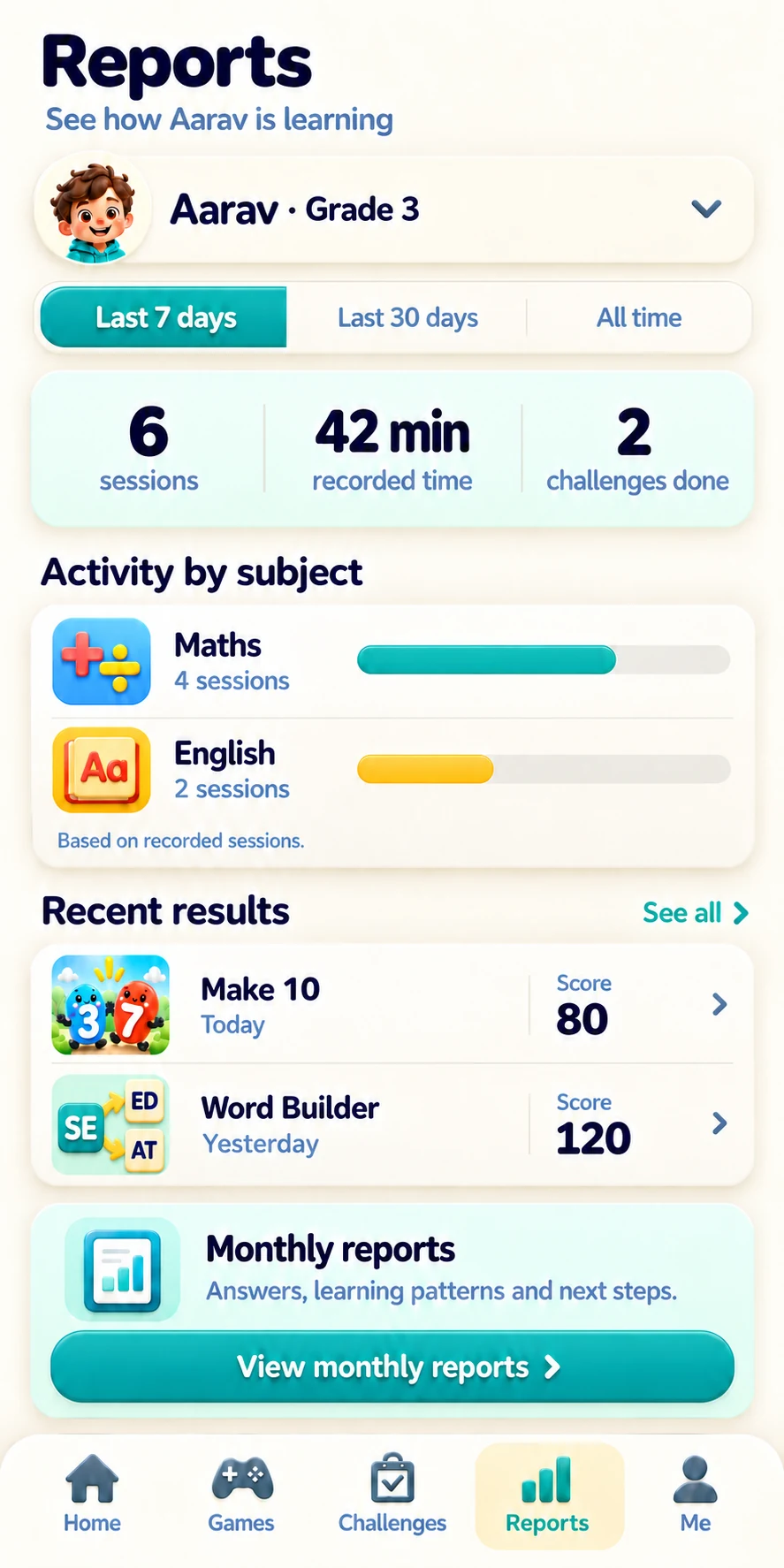
See activity, play time and game scores. Monthly reports go further with recorded answers, practised skills and ideas to try next, where that information is available.
Explore challenges, monthly reports, child profiles and game controls in the app. See all parent features →
WHO IS TINYNINZA FOR?
Find games for your child’s grade. In the app, set challenges and view recorded play time and scores.
See the parent experience
Choose a game connected to your lesson and assign it to your students. Teacher assignments are free.
See how assignments workOrganise teachers, learners and classrooms. Follow assignment delivery and completion across the school.
See TinyNinza for schoolsCONNECT A GAME TO A LESSON
In Let’s Shop, children choose items that add up to a target amount.
Play it together, assign it for practice, then discuss their choices.
BEFORE YOU START
Find out what you can try here and how the app supports families and teachers.
Try available single-player games without signing in. Website practice does not save progress to a TinyNinza app account.
The app brings together teacher assignments, parent challenges, linked child profiles, game controls and selected-game multiplayer. Children can return to recent games, follow their activity streak and replay how-to help.
Yes. Teachers can create game assignments for free, and students can complete teacher-assigned challenges without a payment.
See activity by subject, play time and game scores. Monthly reports can also show recorded answers, practised skills and ideas to try next, where that information is available. These describe practice and do not establish curriculum mastery.
MATHS · ENGLISH · REASONING · MEMORY
Choose a game and see the practice for yourself.